
1. Launch for the North Pole
At the mothership’s lander, press E to open LANDER. Select North Pole, then choose Launch. On the demo keyboard preset, confirm with Enter. The takeoff sequence confirms the shift has started.
2. Scan and mine near the lander
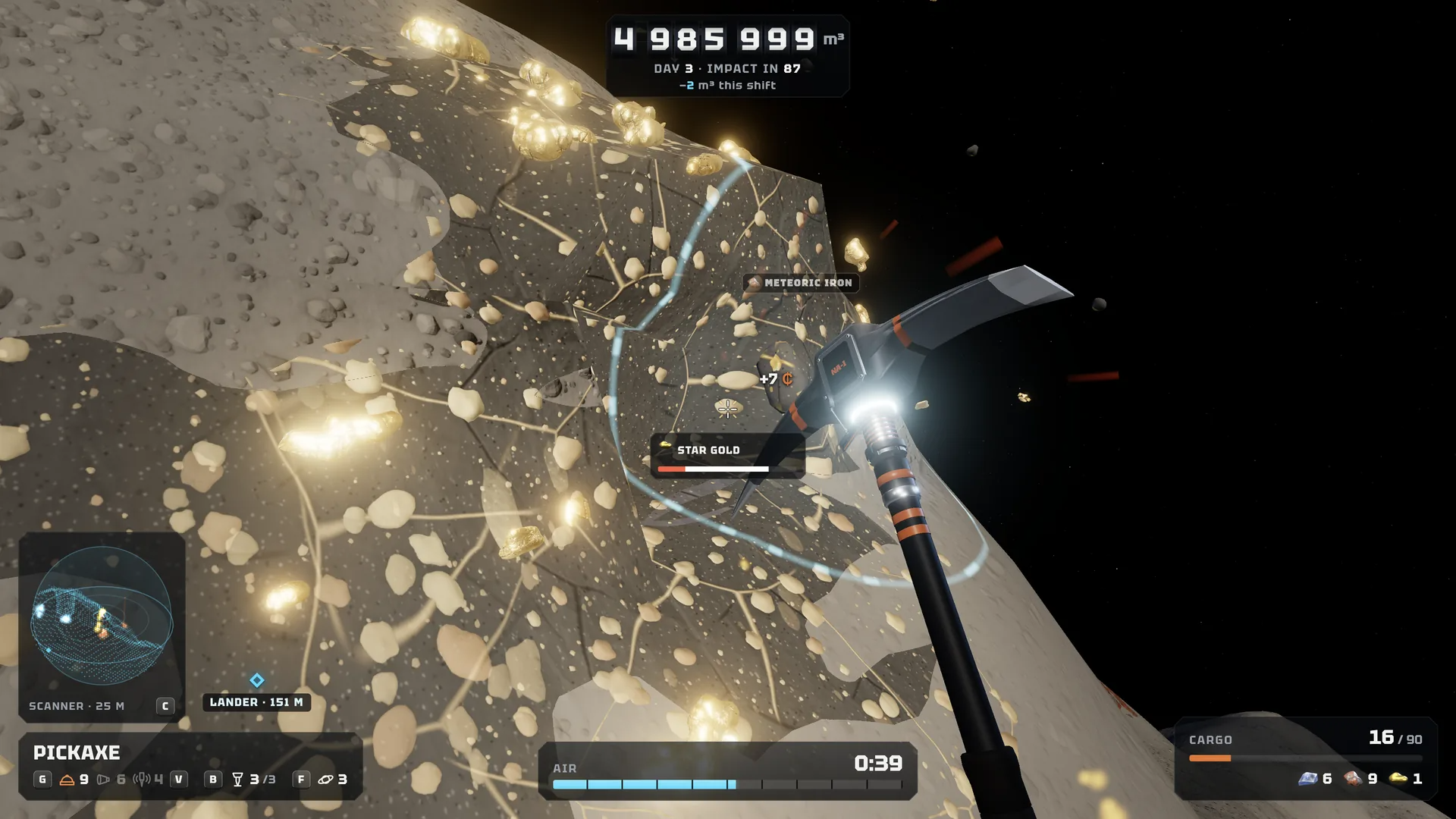
Use C when the Mineral Scanner prompt appears. Look for a tagged patch of Meteoric Iron near the landing site and mine it with the starting Pickaxe. Check that the cargo gauge rises. Keep the lander’s direction and distance in view so you can turn back before running low on air.
3. Board and check that your ore came back
- Follow the LANDER marker to the hatch. Approach the side with the steps until the E prompt appears.
- Press E to board. If the tutorial is covering the prompt, Space dismisses the tutorial.
- Check the cargo gauge while boarding. If your build shows ABOARD, use it as a second check. A return sequence and your arrival in the mothership hangar confirm the trip.
- At the Trade Terminal, check In stock. If the ore from your shift is listed, you’re ready to sell.
4. Sell and plan the next shift
Use Enter at the terminal when it says Sell all. Look for CARGO SOLD or a higher balance after the sale. If you plan to do a second shift, look at your remaining air and cargo space from the first one before picking an upgrade.